
Operating System
Cyber threats evolve daily, but these 10 actionable strategies will fortify your digital defenses—whether you're a home user or a small business owner. Implementing even a few of these tactics can drastically reduce your vulnerability to attacks.
Enable Multi-Factor Authentication Everywhere
Tired of hearing about massive data breaches where passwords alone weren’t enough? Multi-Factor Authentication (MFA) is your first line of defense—Microsoft reports it blocks 99.9% of automated credential theft attempts. This isn’t just for banks; it’s for your email, cloud storage, and even gaming accounts.
Most services (Google, Microsoft, Apple, and even social media) support SMS codes, authenticator apps (like Authy or Google Authenticator), or biometric verification. The best part? It takes under 30 seconds to set up and adds an extra layer that hackers can’t bypass with just a stolen password. Start with your most critical accounts—your email first, since losing access there unlocks everything else.
Whether you’re a busy professional or a casual user, MFA is the simplest upgrade that makes your accounts exponentially harder to compromise. No technical skills required—just enable it. ✨
Regular Software Updates and Patching
Did you know 90% of exploited vulnerabilities have fixes available for months before attackers weaponize them? That’s why enabling automatic updates for your OS, browsers, and apps is one of the simplest yet most powerful cybersecurity moves you can make.
Windows, macOS, and Linux all offer one-click update settings—set them to install patches immediately. For browsers, Chrome, Firefox, and Edge auto-update by default, but double-check your extensions too (malicious add-ons often target outdated plugins). Most apps (like Zoom or Adobe) also support silent background updates—enable these to close gaps without lifting a finger.
This isn’t just for tech nerds—small businesses and home users alike benefit. A single unpatched system can become a gateway for ransomware or spyware to spread across your entire network. Set it, forget it, and sleep easier knowing you’re blocking the most common attack vectors. ✨
Use Strong, Unique Passwords with a Manager
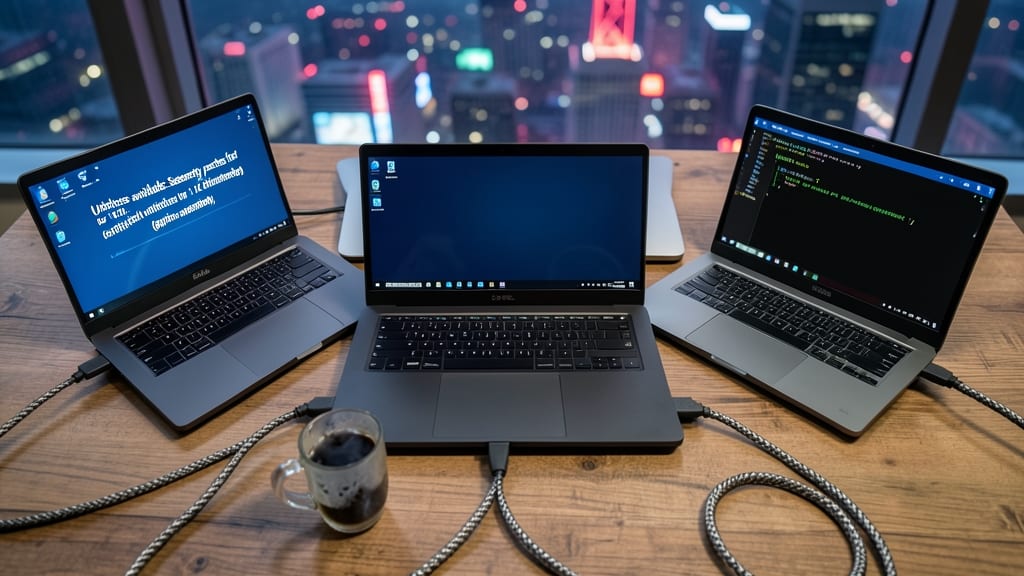
Tired of resetting passwords or fearing your accounts are vulnerable? A password manager eliminates guesswork by generating and storing 20+ character, cryptographically secure passwords—no memorization required.
Tools like Bitwarden (free & open-source) or 1Password (cross-device sync) auto-fill credentials across browsers, apps, and even smart home devices. They also detect compromised passwords in real-time using breach databases, alerting you before attackers exploit weak links. Zero-config setups mean you’re protected in minutes.
Perfect for busy professionals, families sharing accounts, or anyone juggling 50+ logins. Stop recycling passwords—your future self will thank you. ✨
Implement a Firewall and Network Segmentation

Your router isn’t just for Wi-Fi—it’s your first line of defense against cyber threats. A hardware firewall built into modern routers filters malicious traffic before it even reaches your devices, while network segmentation creates isolated zones to contain breaches if they occur.
Start by enabling your router’s built-in firewall (most support stateful packet inspection) and create separate VLANs for devices like IoT gadgets, work laptops, and family tablets. For advanced protection, consider a dedicated firewall appliance (like pfSense) for small businesses or home labs. Even basic segmentation—like placing your smart thermostat on a guest network—reduces attack surfaces significantly.
This setup is a game-changer for home offices where sensitive work data mixes with personal devices. ⚡
Educate Employees or Family Members
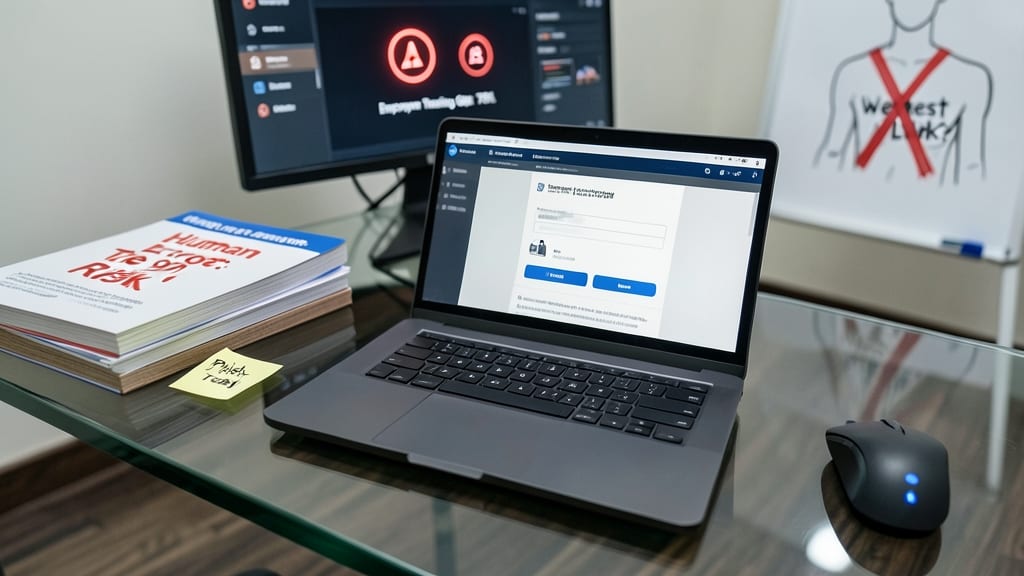
Most cybersecurity tools focus on stopping attacks—but what if the real vulnerability is your team? Human error (like clicking phishing links) causes 90% of breaches, yet many organizations overlook training as a critical defense layer.
Platforms like KnowBe4 or PhishMe deliver realistic phishing simulations that mimic actual attacks, while interactive modules (e.g., Microsoft’s Security Awareness Training) teach spotting red flags in emails, links, and downloads. Even a 30-minute monthly session can slash risky behavior by 75%, according to IBM’s 2023 report.
This isn’t just for corporations—families can benefit too. Tools like Google’s Interland (free for schools) gamifies security basics for kids, while NIST’s cybersecurity guides offer bite-sized lessons for non-tech-savvy users. Turn your team or household into your strongest firewall. ✨
Encrypt Sensitive Data and Communications
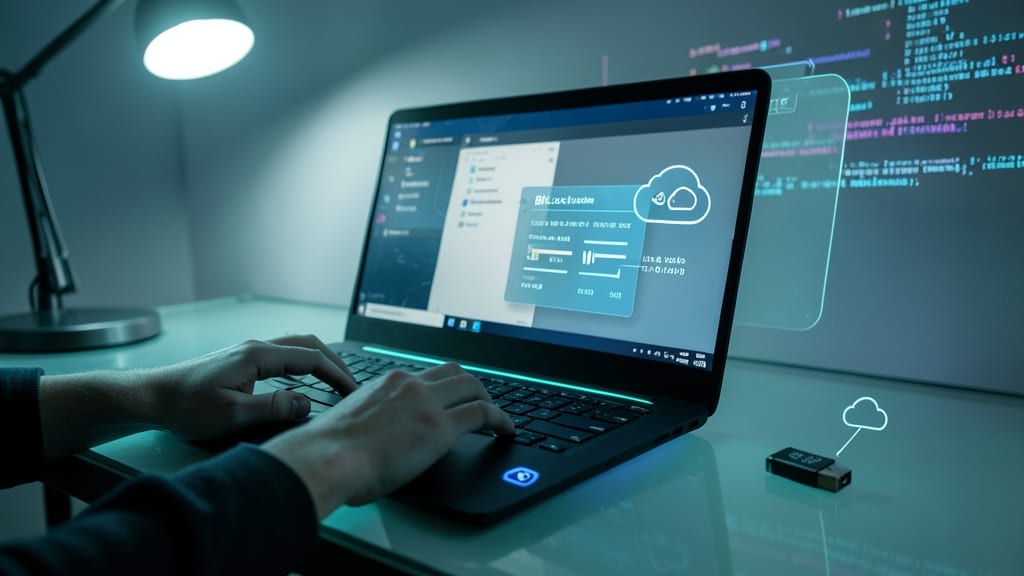
Your sensitive files and messages aren’t just at risk when they’re active—they’re vulnerable even when sitting idle. End-to-end encryption ensures only you can access your data, whether it’s stored on a drive or flying across the internet.
For local storage, Windows users can enable BitLocker (built into Pro/Enterprise editions) with a 256-bit AES key—military-grade encryption that locks drives until you authenticate. For communications, Signal (messages) and ProtonMail (emails) encrypt everything by default, preventing eavesdropping. Even metadata stays private, so no one can track who you’re talking to.
This is non-negotiable for anyone handling financial records, healthcare data, or confidential projects. Start with your most critical files—your future self will thank you. ✨
Regular Security Audits and Penetration Testing

Think of security audits as your digital X-ray—revealing hidden weaknesses before hackers exploit them. Unlike basic scans, professional penetration testing uses real-world attack simulations to uncover flaws in firewalls, APIs, and misconfigurations that automated tools might miss.
Services like Burp Suite or Metasploit automate initial scans, while certified ethical hackers perform manual tests to mimic phishing, SQL injection, and credential stuffing attempts. The result? A detailed report ranking vulnerabilities by risk, with step-by-step fixes—often catching issues like open RDP ports or default admin passwords that would otherwise stay hidden.
Ideal for businesses or tech-savvy home users managing servers, these audits should run quarterly or after major system changes. For smaller budgets, tools like OpenVAS offer free alternatives to professional scans. 💪
Disable Unnecessary Services and Ports
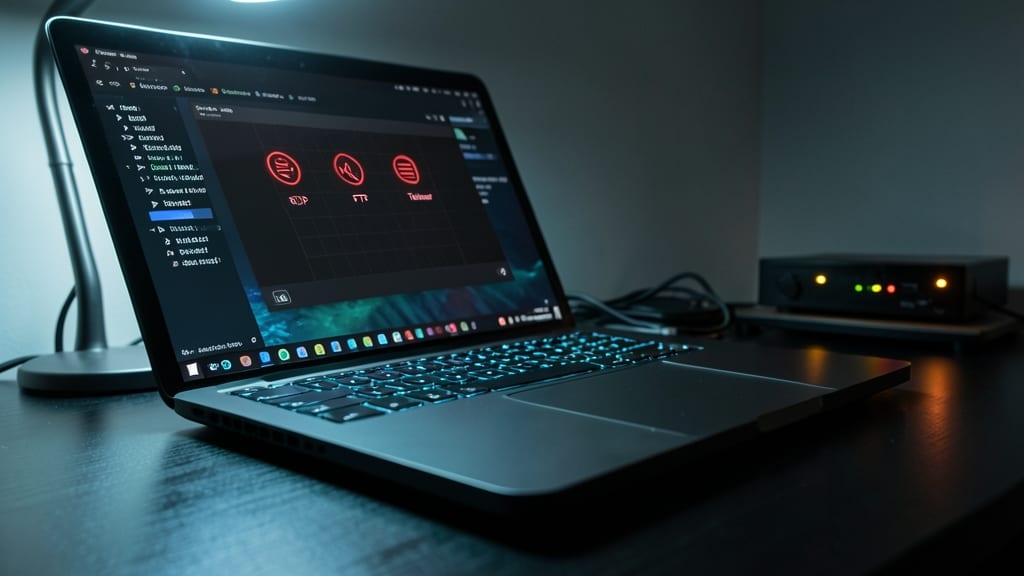
Your computer might be silently broadcasting open doors to hackers—RDP, FTP, and Telnet are classic attack vectors that many users leave running by default. These services, while useful in specific scenarios, create unnecessary exposure when not actively needed. Closing them reduces your attack surface dramatically, often with just a few clicks.
On Windows, use Services.msc to disable Remote Desktop (RDP) if you don’t remote into your PC, or FTP Server if you’re not hosting files. For deeper control, Windows Defender Firewall lets you block specific ports (e.g., port 21 for FTP, port 23 for Telnet). Linux users can check with ss -tulnp to identify active ports, then disable services via systemctl or service. Even home routers often expose Telnet (port 23) by default—disable it in your admin panel.
This is especially critical for small businesses, remote workers, or anyone with sensitive data. A closed port is a locked door—simple, but one of the most effective defenses against automated scans and brute-force attacks. 💪
Backup Critical Data with Air-Gapped Storage
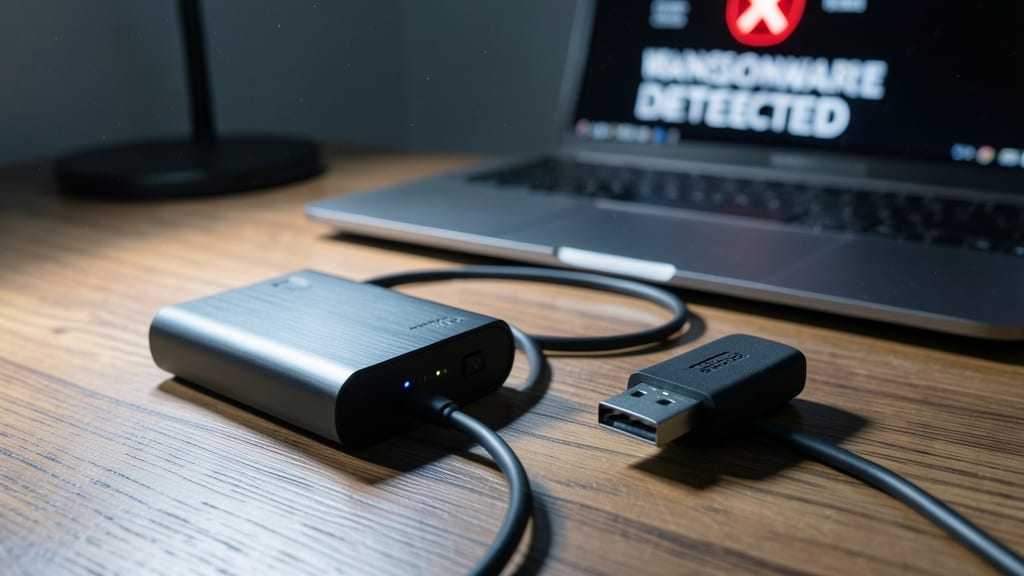
Ransomware attacks don’t just lock your files—they often encrypt your backups too. An air-gapped storage solution keeps your critical data completely offline, making it immune to network-based attacks like ransomware or malware.
Use a dedicated external hard drive or USB drive that’s only connected when you manually initiate backups. Tools like Veeam or Macrium Reflect support offline backup modes, while write-protect switches on drives prevent accidental overwrites. For extra security, store the drive in a locked drawer or safe—physically inaccessible means it’s digitally untouchable.
This approach is perfect for small businesses, freelancers, and home users storing irreplaceable files like tax records, creative projects, or family photos. A true last-line defense against even the most sophisticated cyber threats. ✨
Monitor for Anomalies with SIEM Tools

While firewalls and backups block attacks, SIEM tools act like cybersecurity X-ray vision—spotting threats before they cause damage. These systems aggregate logs from across your network, then use AI to flag suspicious patterns like repeated failed logins or unusual data transfers in real-time.
Solutions like Splunk or the open-source ELK Stack (Elasticsearch, Logstash, Kibana) correlate events across servers, endpoints, and cloud services. You get real-time alerts for brute-force attempts, insider threats, or even misconfigurations—often before your traditional antivirus catches them. Many offer pre-built threat intelligence feeds to identify known malicious IPs or malware signatures.
Best for IT teams or businesses handling sensitive data, but even home users can leverage lightweight SIEMs like Wazuh for basic monitoring. The key? Centralized visibility turns reactive security into proactive defense. 🌟