
Operating System
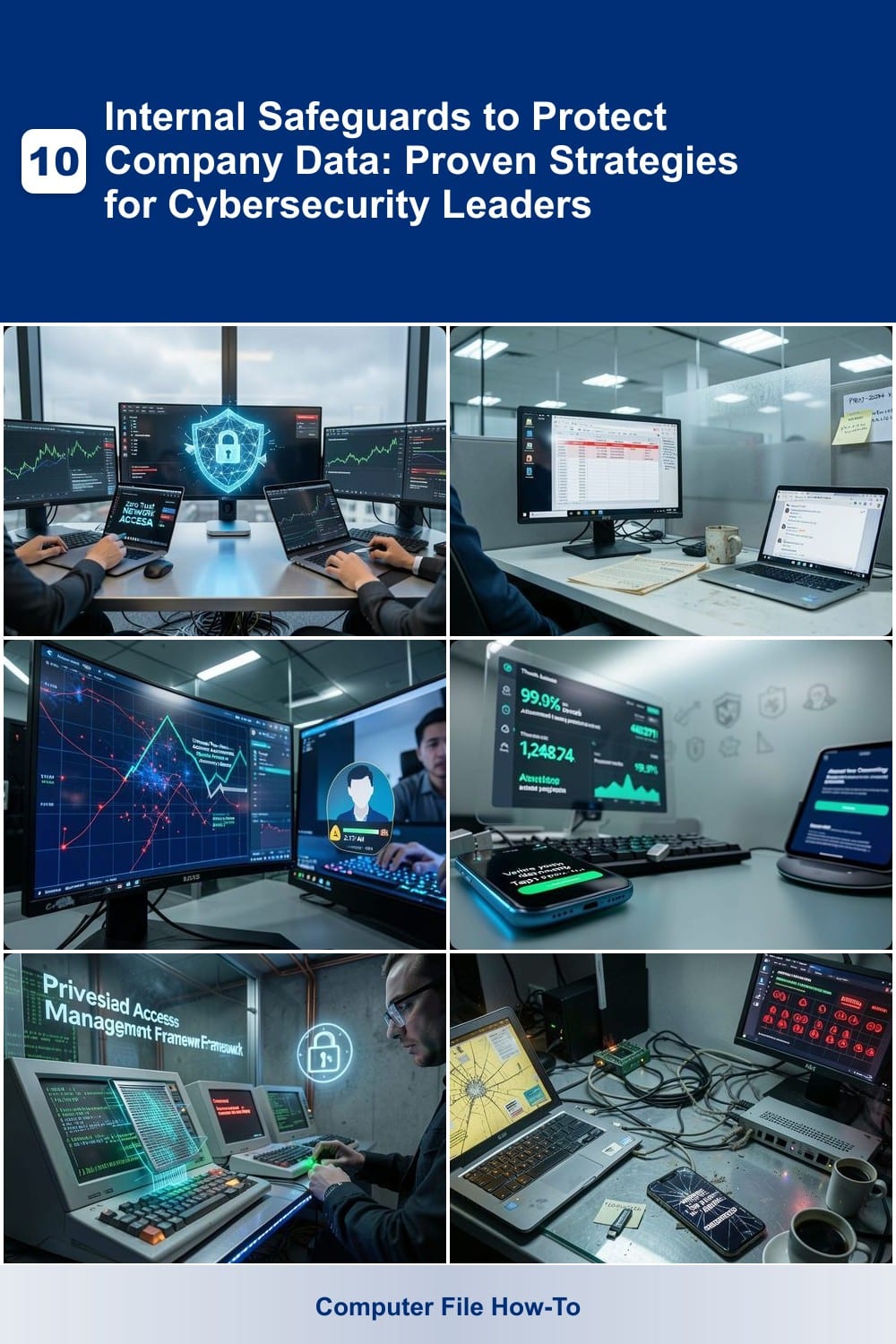
Data breaches cost businesses billions annually—yet most security failures start internally. These 10 internal safeguards provide cybersecurity leaders with actionable, proven strategies to lock down company data before threats escalate.
Zero Trust Network Access Implementation Guide

Traditional firewalls and VPNs can’t stop today’s sophisticated threats—especially when your team works remotely. Zero Trust Network Access (ZTNA) flips the script by treating every connection as untrusted until verified, making it the gold standard for hybrid workforces and cloud-first companies.
This model requires continuous authentication (beyond passwords) and micro-segmentation to isolate access by user role, device health, and location. Solutions like Cloudflare Access or Zscaler Private Access integrate seamlessly with existing identity providers (Okta, Azure AD) to enforce least-privilege access without disrupting workflows. For organizations migrating to cloud, ZTNA eliminates the need for backhauling traffic through data centers, slashing latency by up to 70%.
Best suited for hybrid teams and cloud-native companies, ZTNA is the foundation for modern security architectures—especially when legacy perimeter defenses are no longer enough. ⚡
Employee Data Classification Training Program

Your employees may not realize they’re handling sensitive data every day—until it’s too late. A Data Classification Training Program like SentinelOne’s Insider Threat Awareness or KnowBe4’s Data Classification Training teaches staff to spot PII (Social Security numbers, emails), financial records, and trade secrets using interactive, real-world scenarios.
These programs include role-based modules (HR, finance, IT) with gamified quizzes and simulated breach scenarios to reinforce proper handling. Studies show they reduce accidental data leaks by up to 70% by making classification intuitive—no more guessing whether that spreadsheet contains protected health information (PHI). Most solutions integrate with your existing LMS (Learning Management System) for seamless deployment.
Perfect for mid-sized firms with unstructured data (think shared drives, emails, and legacy systems) or compliance-heavy industries like healthcare and finance. Start with a pilot group to prove ROI before rolling out company-wide. ✨
Automated Insider Threat Detection System

When a disgruntled employee or compromised account starts moving sensitive data, traditional security tools often fail to catch it in time. An automated insider threat detection system uses AI-driven behavioral analytics to spot suspicious patterns—like mass file downloads after hours or unusual access to high-value databases—before exfiltration occurs.
These systems integrate with SIEM platforms (e.g., Splunk, IBM QRadar) to analyze user activity in real-time, with false-positive rates as low as 5% when properly tuned. For example, they can flag when an account logs in from three different countries in 24 hours or copies entire client databases to an external drive. Compliance-ready features like HIPAA and GDPR audit trails make them non-negotiable for finance and healthcare.
Ideal for organizations where data integrity is non-negotiable, this safeguard bridges the gap between preventive controls (like MFA) and reactive incident response. It’s the digital equivalent of a security camera with AI—catching threats before they become breaches. ✨
Multi-Factor Authentication Enforcement Policy
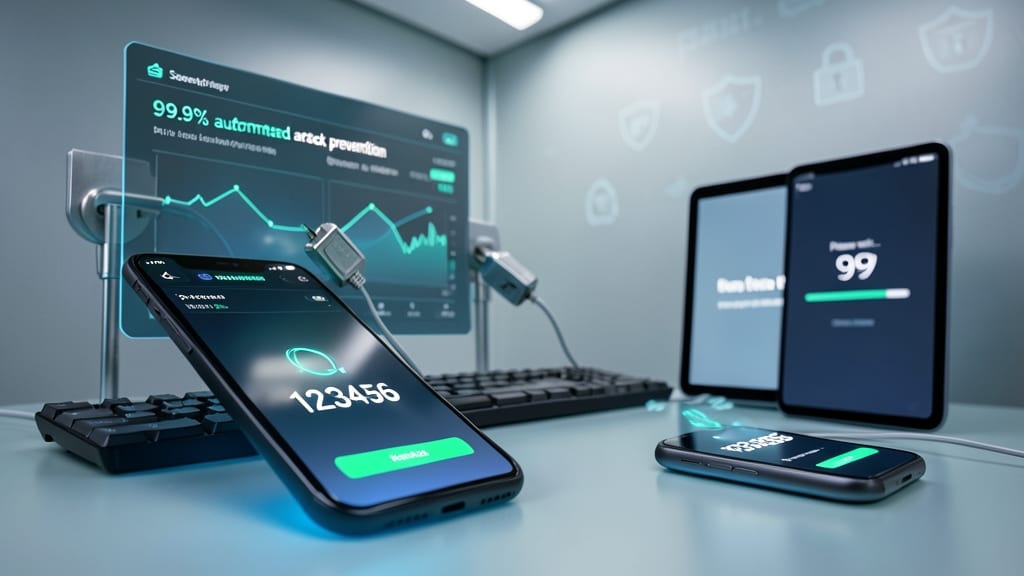
Tired of hearing about breaches where hackers bypassed passwords with ease? A Multi-Factor Authentication (MFA) Enforcement Policy adds a critical second layer—blocking 99.9% of automated attacks before they even reach your systems.
This policy enforces SMS codes, push notifications, or hardware tokens for every login, ensuring no single compromised password can grant access. Unlike reactive solutions, it stops credential stuffing and brute-force attacks at the door. Plus, zero-trust integrations let you tie MFA to device health checks, adding another security blanket.
Tech companies with remote teams or frequent logins will see the biggest benefits—reducing friction while eliminating the weakest link in security. 💪
Privileged Access Management Framework

Legacy systems may feel like ticking time bombs, but a Privileged Access Management (PAM) framework turns them into controlled environments. By enforcing least-privilege access, you eliminate the "keys to the kingdom" problem—where compromised admin credentials become a free pass for attackers to move laterally across your network.
Modern PAM solutions like CyberArk or BeyondTrust automate just-in-time access, session monitoring, and credential vaulting. This means admins only get temporary, logged permissions for specific tasks—no standing elevated rights. For organizations running Windows Server 2003 or Oracle databases from the 2000s, PAM acts as a force field against exploits like EternalBlue or SolarWinds-style supply chain attacks.
IT teams managing mixed environments (modern cloud + legacy on-prem) see the biggest ROI here. The framework’s audit trails also simplify compliance for HIPAA, PCI-DSS, or GDPR—proving you’re not just securing data, but actively reducing risk. 💪
Endpoint Detection and Response Deployment

If your organization allows employees to use personal devices for work, you’ve got a ticking time bomb—unpatched laptops, unsecured phones, and shadow IT create the perfect storm for malware and ransomware. Endpoint Detection and Response (EDR) is your early warning system, scanning every device in real time for threats most antivirus tools miss.
Solutions like CrowdStrike Falcon or Microsoft Defender for Endpoint deliver sub-second threat detection, automated containment, and detailed forensic reports to trace attacks back to their source. With AI-driven behavioral analysis, they catch zero-day exploits and fileless malware before they execute. For BYOD policies, EDR enforces consistent security policies across all devices—whether they’re company-issued or employee-owned.
This is non-negotiable for remote teams, healthcare providers handling PHI, or any business with mobile workforces. Without it, one infected device could compromise your entire network. 💻
Data Loss Prevention for Cloud Storage

Creative agencies and marketing firms often store client intellectual property in cloud repositories like SharePoint or Dropbox—but what happens when an employee accidentally shares a confidential file? Data Loss Prevention (DLP) for cloud storage actively scans these repositories to block leaks before they happen.
Solutions like Microsoft Purview or Symantec DLP integrate directly with your cloud services to detect sensitive data patterns (credit card numbers, NDAs, or proprietary designs) in real-time. They can automatically quarantine or encrypt files containing leaks, while policy-based controls prevent unauthorized sharing. For teams juggling client projects, this means zero-configuration safeguards that adapt to your workflows.
This is the ideal safeguard for businesses where creative assets and client data live in shared cloud folders. It’s lightweight enough for small teams but scales to enterprise needs—without requiring IT overhauls. ✨
Incident Response Simulation Drills

When your team’s first reaction to a breach is panic—not procedure—you’re already behind. Incident Response Simulation Drills turn hypothetical threats into muscle memory, letting your IT team practice containing breaches under pressure with realistic scenarios.
These drills use quarterly red-team/blue-team exercises to simulate attacks like phishing campaigns or credential stuffing, measuring how quickly teams detect and isolate threats. Studies show organizations using these drills cut mean time to detect (MTTD) by 40%, with post-simulation debriefs identifying gaps in playbooks. Tools like MITRE ATT&CK frameworks help tailor simulations to your industry’s most likely threats.
Perfect for mid-sized enterprises with compliance mandates (like GDPR or HIPAA) or any team that’s ever wondered, “What if this actually happened?” ⚡
Third-Party Vendor Risk Assessment Toolkit

If your company relies on external vendors—like cloud providers, payment processors, or SaaS integrations—you’re already exposed to 60% of all breaches originating from supply chain risks. A Third-Pendor Vendor Risk Assessment Toolkit flips the script by evaluating partners’ security posture before contracts are signed, not after.
Look for tools with automated compliance scoring (ISO 27001, SOC 2, GDPR) and real-time vulnerability tracking across global partners. Features like contract clause generators for security SLAs and third-party breach alerts ensure you’re never caught off guard. Solutions like SecurityScorecard or BitSight integrate with your existing SIEM for seamless monitoring.
This is non-negotiable for SaaS providers, fintech firms, and healthcare organizations where ecosystem dependencies outnumber internal assets. Start with a quarterly vendor audit cycle—it’s the only way to turn supply chain risks into a competitive advantage. ✨
Secure Document Collaboration Workflow

Legal and consulting firms know that client documents aren’t just sensitive—they’re time-sensitive. A secure document collaboration workflow in Microsoft 365 or Google Workspace ensures only authorized eyes see the right version, with auto-expiry and watermarking preventing leaks after deadlines pass.
Enable version control to track edits in real-time, while dynamic watermarks embed user details into shared files. Set auto-expiry policies (e.g., 72-hour access) for contracts or NDAs, then enforce view-only permissions for external stakeholders. Tools like Microsoft Purview or Google Vault automate compliance without manual oversight.
Perfect for teams juggling confidential agreements or client proposals, this workflow turns collaboration into a zero-trust process—no more "oops" leaks. ✨