
Software
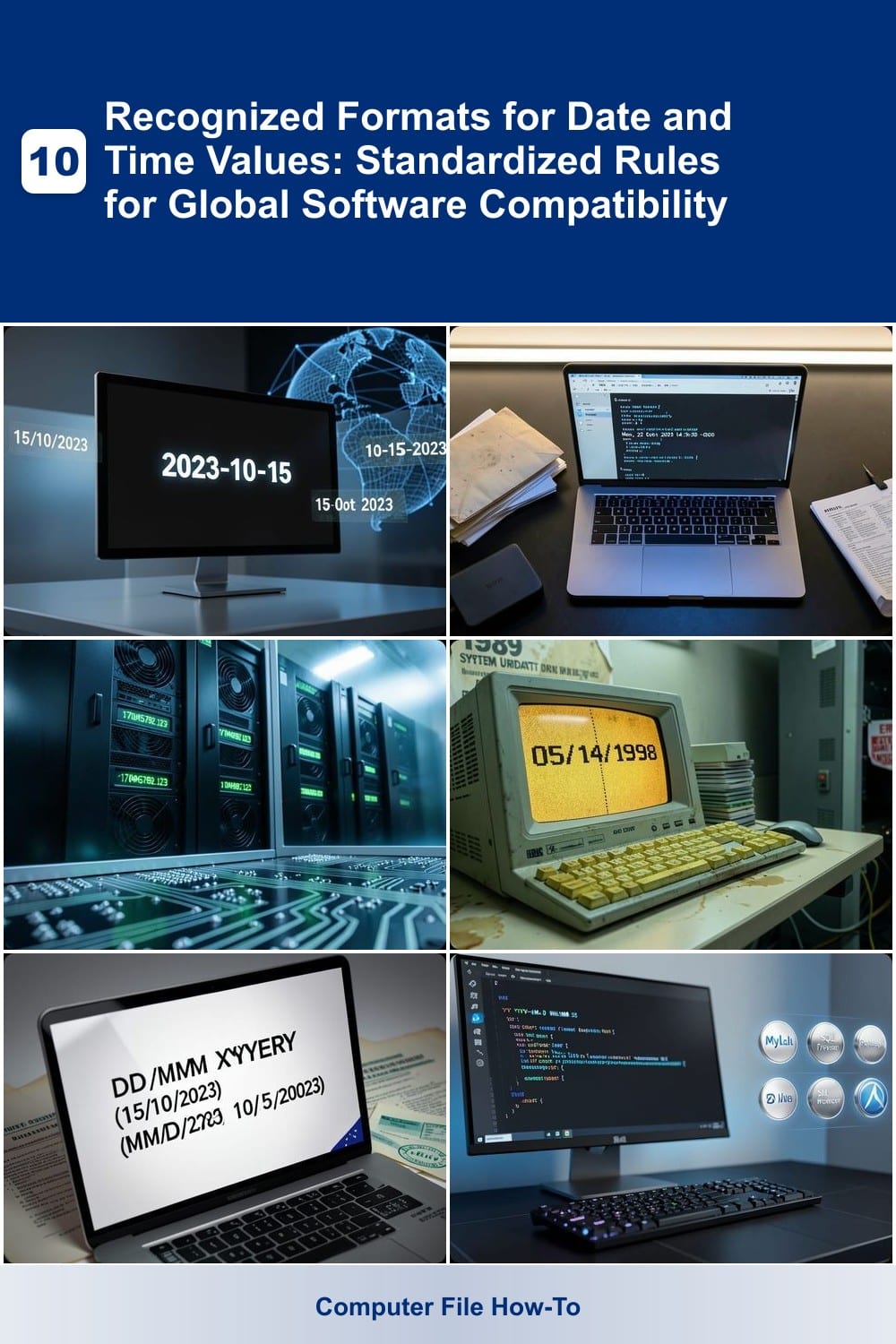
Developing software that works globally requires precise handling of date and time formats. These seven standardized formats ensure cross-platform compatibility, from databases to APIs, while accommodating regional differences without errors.
ISO 8601 Date and Time Format
When building software that needs to speak every language—literally—ISO 8601 is the universal translator for dates and times. This standardized format eliminates ambiguity by using a strict YYYY-MM-DD structure, ensuring machines worldwide interpret "2023-10-15" the same way, regardless of locale.
The format’s power lies in its precision: it supports time zones (+00:00), fractional seconds (14:30:45.123456), and even week-based dates (2023-W42). APIs like GitHub, databases such as PostgreSQL, and languages like Python (datetime module) and JavaScript (Date.toISOString()) default to ISO 8601, making it the safest choice for global systems.
Developers working on international APIs or data-heavy applications should adopt ISO 8601 to avoid parsing errors and ensure seamless cross-platform compatibility. ⚡
RFC 2822 Email-Compatible Date Format
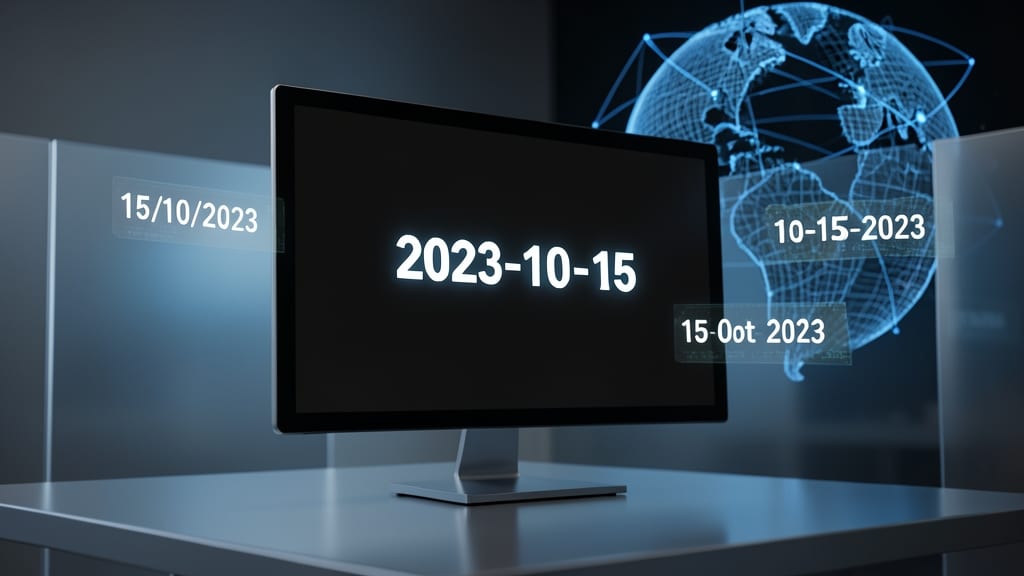
If your application interacts with email systems—whether sending notifications, parsing incoming messages, or integrating with APIs—RFC 2822 is the hidden standard keeping your dates accurate. Unlike rigid machine-readable formats, RFC 2822 balances human readability with strict parsing rules, ensuring "Sun, 15 Oct 2023 14:30:00 -0700" works flawlessly across time zones.
This format includes day-of-week abbreviations, three-letter month codes, and timezone offsets (e.g., "-0700") to avoid ambiguity. Libraries like Python’s email.utils.formatdate() and Java’s javax.mail automatically generate RFC 2822-compliant timestamps, while email clients (Gmail, Outlook) reliably parse it. The flexible structure also supports optional fields like date-only formats ("15 Oct 2023").
Developers building email APIs or parsing legacy mail systems will rely on RFC 2822 to prevent misinterpreted dates. For APIs that bridge human-readable emails with backend systems, it’s the bridge that never fails. ✨
Unix Timestamp (Epoch Time)

When your backend systems need to crunch numbers with millisecond precision, Unix timestamps (or Epoch Time) are the unsung heroes. Unlike human-readable formats, this system counts seconds—or even milliseconds—since January 1, 1970, making it the go-to for calculations, logging, and database indexing.
At its core, a Unix timestamp is a 64-bit integer (e.g., 1697442200 for October 15, 2023) that eliminates ambiguity in time zones or date formats. Most programming languages—like Python (time.time()) and JavaScript (Date.now())—support it natively, while databases (e.g., PostgreSQL, MongoDB) often use it for sorting or indexing. For high-frequency trading or IoT sensors, millisecond precision ensures accurate event sequencing.
Developers working with real-time analytics, caching systems, or cron jobs rely on Unix timestamps to avoid parsing errors. Whether you're debugging a distributed system or optimizing query performance, this format keeps time consistent across servers. ⚡
US Local Date Format (MM/DD/YYYY)
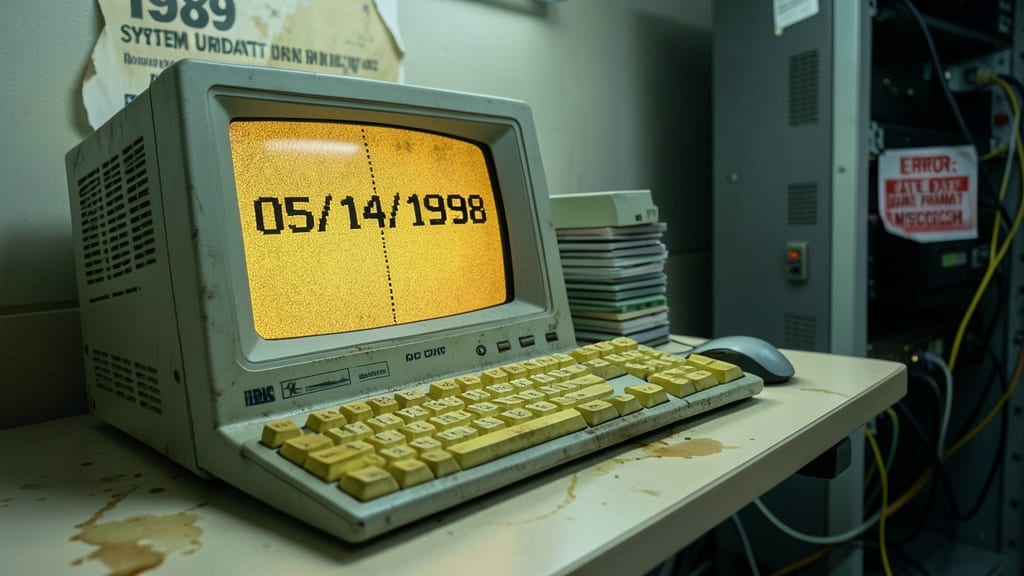
When maintaining legacy US software or building apps for domestic audiences, the MM/DD/YYYY format isn’t just convention—it’s a requirement. Unlike global standards, this format hardcodes the month-first structure, ensuring compatibility with older systems that lack dynamic parsing logic.
This format excels in US-centric applications like healthcare records (where MM/DD/YYYY is the HIPAA standard) and financial systems relying on legacy databases. It also aligns with Windows default regional settings, reducing manual overrides in desktop apps. The simplicity of two-digit months/days (e.g., 10/15/2023) makes it ideal for quick data entry, though it risks ambiguity when parsed internationally.
Perfect for developers supporting US-only workflows, such as internal tools or compliance-heavy industries. Just remember: outside the US, this format demands explicit validation to avoid misinterpretation. ✨
European Local Date Format (DD/MM/YYYY)
If your software targets European users, ignoring DD/MM/YYYY could turn October 15 into a misinterpreted May date. This format isn’t just regional preference—it’s a compliance requirement for EU-facing applications, ensuring clarity in contracts, invoices, and legal documents.
The format places the day first, followed by month and year (e.g., 15/10/2023), aligning with ISO 8601’s basic date format when stripped of separators. Many European systems default to this, from SAP ERP to banking APIs, reducing manual corrections. Languages like German or French further emphasize its necessity to avoid ambiguity.
Developers building EU-compliant platforms or localizing apps for markets like the UK, Germany, or France should hardcode this format in UI inputs and backend validations. Skipping it risks costly errors in automated workflows. ✨
SQL Date and Time Format

When writing queries that need to run seamlessly across MySQL, PostgreSQL, SQL Server, or Oracle, you can’t rely on regional settings—SQL databases demand their own strict syntax for dates and times.
Most SQL systems recognize the ISO 8601-inspired format (YYYY-MM-DD HH:MM:SS) as their default, but some (like SQL Server) also support variations like 'Oct 15 2023 2:30PM' or '20231015'. The key is consistency: hardcoding formats (e.g., WHERE orderdate = '2023-10-15') avoids ambiguity in joins or filters. For time zones, use AT TIME ZONE (PostgreSQL) or CONVERTTZ (MySQL) to prevent misinterpretation.
This format is ideal for database administrators and developers building cross-platform applications where queries must execute identically—no matter the client’s locale. ✨
Excel-Compatible Date Formats
If your workflows rely on spreadsheets—whether for financial modeling, inventory tracking, or project timelines—Excel-compatible date formats are the unsung heroes of data integrity. Unlike APIs or databases, Excel treats dates as serial numbers (e.g., 45000 = January 1, 2023), but human-readable formats like MM/DD/YYYY, DD-MM-YYYY, or MMM-YY (e.g., Oct-23) ensure formulas like =DATEDIF() and conditional formatting work flawlessly.
Excel recognizes over 20 predefined date formats, including YYYY-MM-DD (ISO-friendly), DD/MM/YYYY (EU-compatible), and custom patterns like DDD, MMM YY (e.g., 015, Oct 23). The key? Avoid ambiguous formats like 01/02/2023—Excel defaults to US-style (MM/DD/YYYY) unless you set regional settings. For international teams, YYYY-MM-DD is the safest choice, as it matches ISO 8601 and avoids misinterpretation.
This format is non-negotiable for accountants, analysts, and automation scripts that pull Excel data into Python or SQL. Just be sure to validate inputs with =ISDATE() to catch typos before they break your formulas. ✨