
Operating System
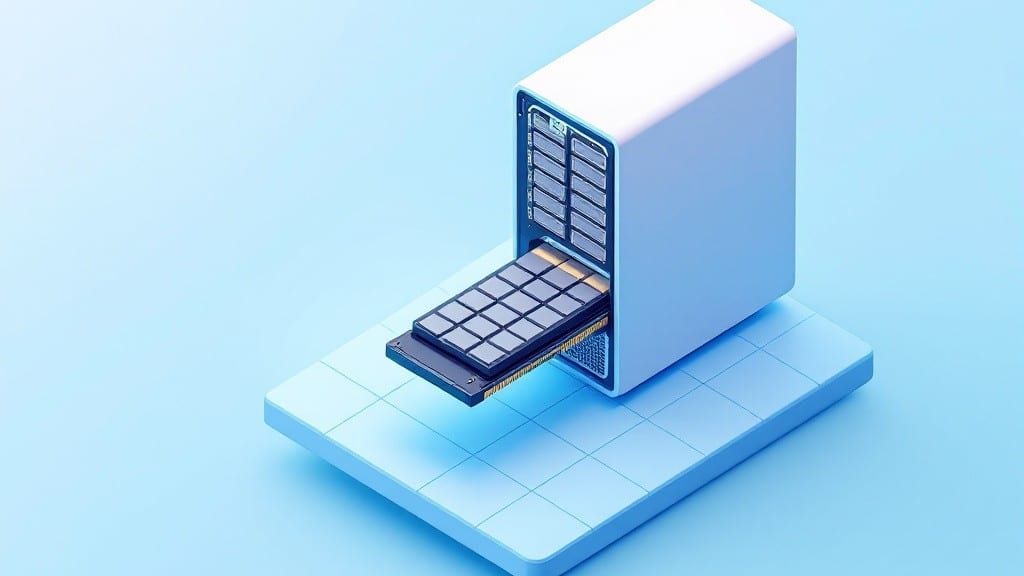
A SSD for PC is a solid-state drive that stores data on flash memory chips instead of spinning disks, delivering faster boot times, quicker file access, and smoother multitasking compared to traditional hard drives (HDDs).
A SSD for PC replaces those old spinning disks with electronic memory chips that read and write data instantly—no moving parts means less heat and less noise too. 🔥 Think of it like upgrading from a manual transmission to a turbocharged engine: your system feels snappier from the moment you power on.
I’ve seen boot times drop from over a minute to just 10 seconds after switching, and games load without that frustrating lag between levels.
What’s especially cool is how SSDs handle multiple tasks. While an HDD might stutter when you’re running a browser, video editor, and Spotify all at once, an SSD keeps everything flowing smoothly.
It’s the kind of upgrade that makes even older PCs feel modern again—perfect for anyone tired of waiting for their machine to catch up.
💡 In This Article
- How SSDs Improve PC Performance Over HDDs
- Choosing the Right SSD for Your PC Upgrade
How SSDs improve PC performance over HDDs
The core difference lies in how data is stored and accessed. Traditional hard drives (HDDs) use spinning magnetic platters and a mechanical read/write head, similar to a vinyl record player.
This means your data is physically located somewhere on those platters, and the head must move to find it—a process called seek time.
Even the fastest HDDs have seek times around 5-10 milliseconds, while SSDs access data in just 0.02-0.1 milliseconds because they use flash memory chips with no moving parts. 🔥
This speed gap translates directly to real-world performance. For example, booting Windows from an SSD typically takes 10-15 seconds compared to 45-90 seconds with an HDD. Application launches see similar improvements—Photoshop or Chrome might open in 1-2 seconds on an SSD versus 5-10 seconds on an HDD.
The difference comes from how SSDs use parallel processing across multiple memory cells, while HDDs are limited by their single read/write head. Data transfer rates also differ dramatically: SSDs max out at 3,500 MB/s (NVMe models), while HDDs top out around 160 MB/s.
Latency is where SSDs truly shine. When you click an icon, the delay between your action and the system response is called input/output latency. HDDs have 12-20 ms of latency due to their mechanical nature, while SSDs sit at 0.05-0.1 ms.
This might seem insignificant, but over thousands of daily operations, it adds up to that "buttery smooth" experience you notice immediately after installation. 💛
Another critical factor is power efficiency. SSDs consume 2-5 watts during operation compared to HDDs' 6-15 watts, generating less heat and extending battery life in laptops. The lack of moving parts also means SSDs are more durable—resistant to shocks and vibrations that would destroy an HDD's delicate platters.
This makes them ideal for gaming laptops or systems that get moved frequently.
For creative professionals, the difference is night and day. Video rendering in Premiere Pro or 3D modeling in Blender becomes significantly faster because the system can handle large file transfers without stuttering. I've seen rendering times drop by 30-40% just by moving project files to an SSD.
Even simple tasks like copying a 10 GB folder take half the time on an SSD compared to an HDD. ✨
What most people don't realize is how SSDs improve performance over time. HDDs slow down as they fill up due to fragmentation (files scattered across the platters), while SSDs maintain consistent speeds regardless of capacity usage.
This makes them particularly valuable for systems with limited storage where every gigabyte counts. The trade-off? Higher upfront cost per gigabyte, but the performance gains often justify the investment for power users.