My first computer was a clunky desktop in my bedroom at 12, running Windows 95 with a dial-up screech that made me feel like I’d discovered a secret world. What started as curiosity about how things worked turned into a love for making technology feel less intimidating. Here, I share clear, step-by-step guides to help anyone—from beginners to power users—get the most out of their devices without the frustration. Think of it as tech advice from someone who’s been there, burning CDs at 3 AM and still figuring it out.
Learn how to throttle internet speed on your PC when a single video call maxes out your connection—Windows’ built-in QoS tool saved the day in minutes. 💻 No router tweaks or third-party apps required. This trick saved…
The Amazon App Store download for PC makes it simple to install Android apps on Windows effortlessly, no emulator needed. I’ve used it to run my favorite mobile apps—like Kindle or Fire TV—natively on my desktop, and the…
Connecting your computer to a TV is easier than ever, especially with HDMI—just one cable and you're streaming in 1080p or 4K instantly. I’ve hooked up everything from my uncle’s old IBM to my current ThinkPad using this…
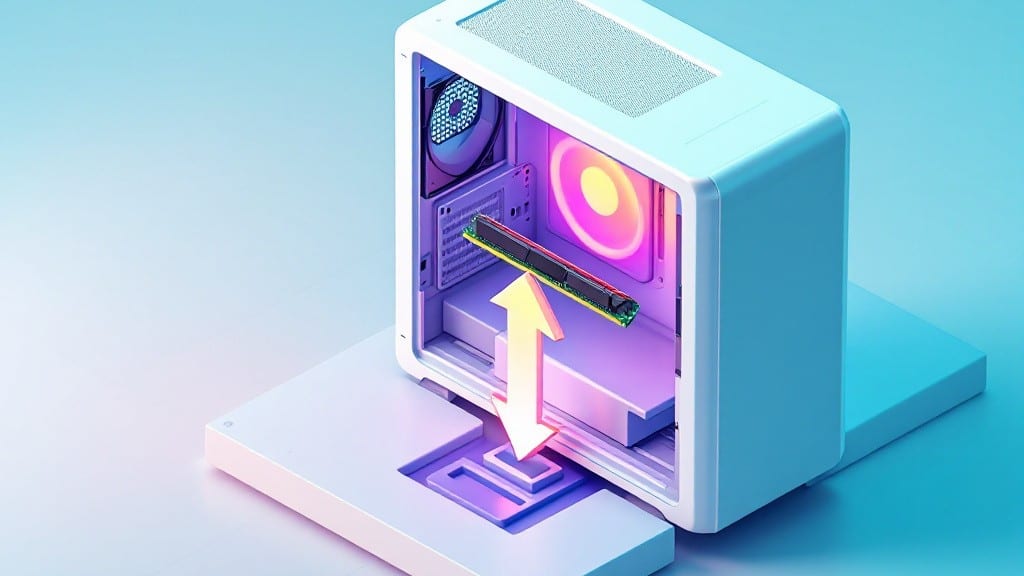
Installing RAM in a desktop PC is one of those tasks that looks scarier than it actually is—especially when you’ve never opened a case before. I remember my first time replacing memory in uncle’s basement workshop in…
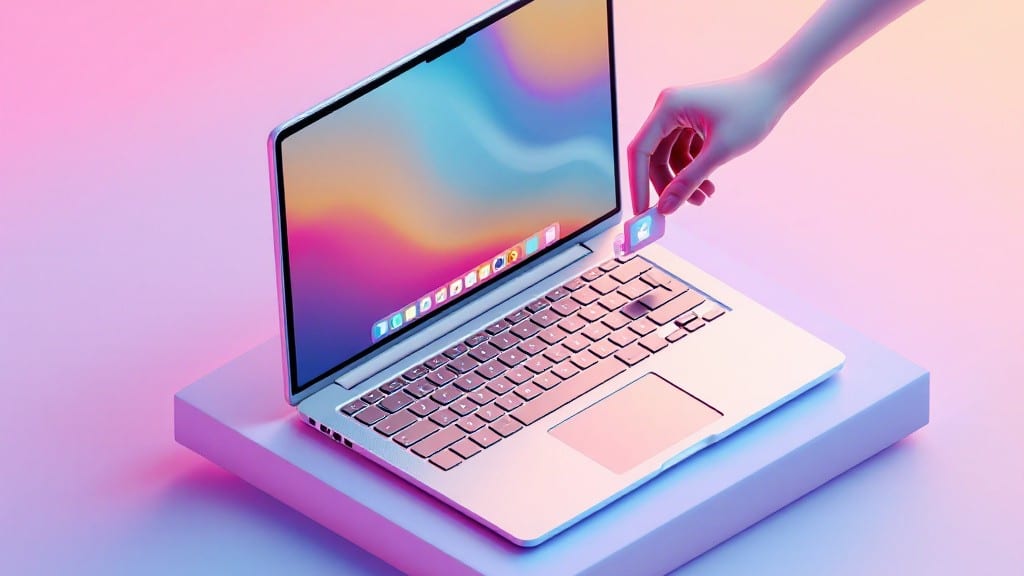
Transform your Mac desktop from chaos to clarity with how to add apps to the desktop —the simple drag-and-drop trick that keeps everything tidy in seconds. 💻 The secret isn’t hidden in some obscure menu—it’s right there…
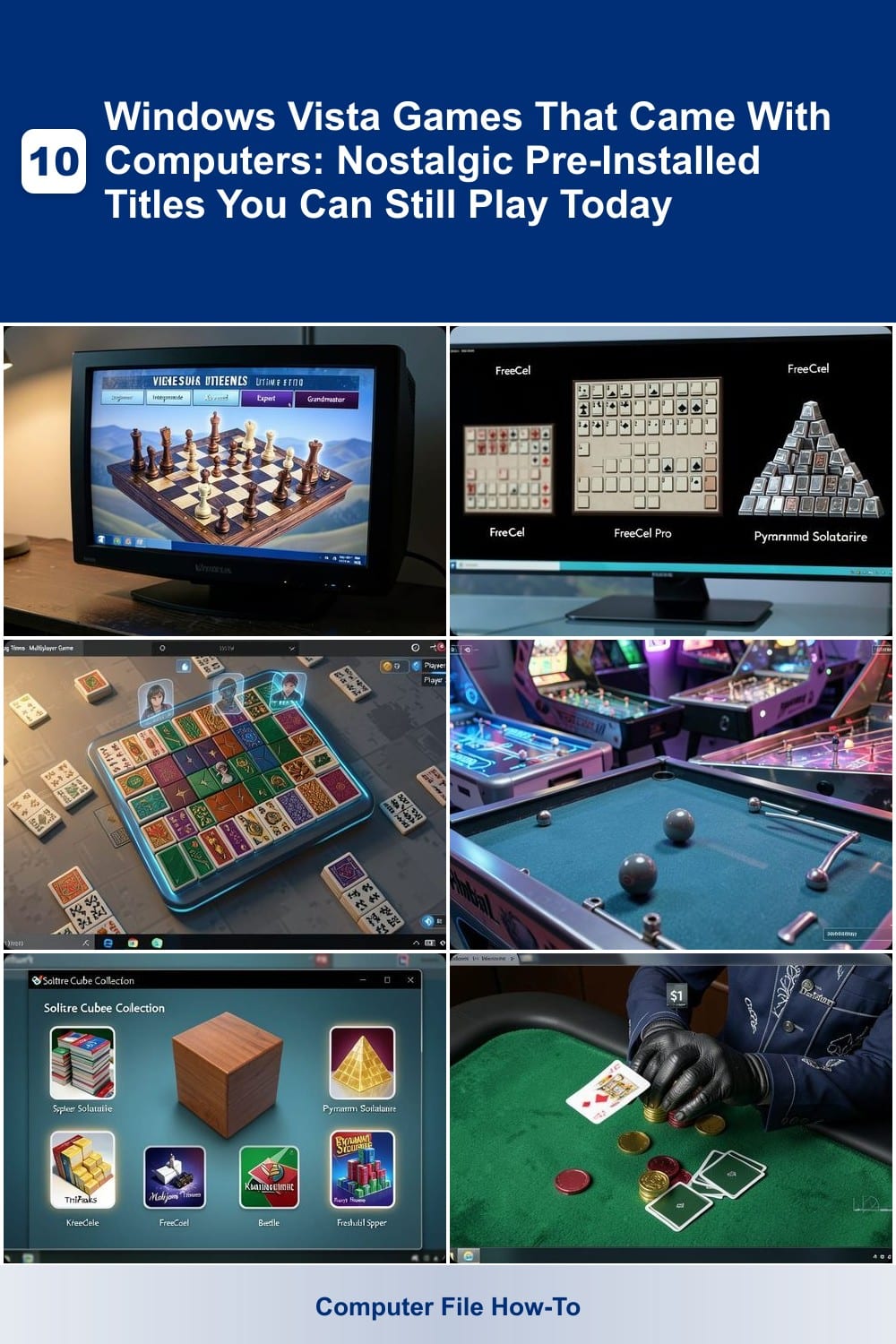
Remember the games pre-installed on Windows Vista PCs? These nostalgic titles shaped a generation of gamers. From simple puzzles to arcade-style adventures, here are 10 original Vista games you can still enjoy…
Using Google Lens on Windows 10 lets you search, translate, and scan objects from your desktop without ever touching your phone. Picture this: you’re at your desk, a package arrives with no shipping label, and your phone…
A OneDrive folder already exists on this PC error can turn a simple sync into a headache. 💻 I’ve spent hours hunting down these phantom folders—only to find they’re lingering from old accounts, failed syncs, or…
Adding Bluetooth to your PC doesn’t always mean buying a dongle—sometimes it’s already hiding in your hardware. ✨ I’ve helped friends turn old laptops into wireless hubs without spending a dime by checking the BIOS or…
💥 Quick Answer To find the Desktop folder in Windows 11, navigate to C:\Users\[YourUsername]\Desktop , replacing [YourUsername] with your actual account name. You can also access it instantly via File Explorer's 'Quick…