My first computer was a clunky desktop in my bedroom at 12, running Windows 95 with a dial-up screech that made me feel like I’d discovered a secret world. What started as curiosity about how things worked turned into a love for making technology feel less intimidating. Here, I share clear, step-by-step guides to help anyone—from beginners to power users—get the most out of their devices without the frustration. Think of it as tech advice from someone who’s been there, burning CDs at 3 AM and still figuring it out.
Cyber threats evolve daily, but these 10 actionable strategies will fortify your digital defenses—whether you're a home user or a small business owner. Implementing even a few of these tactics can drastically reduce your…
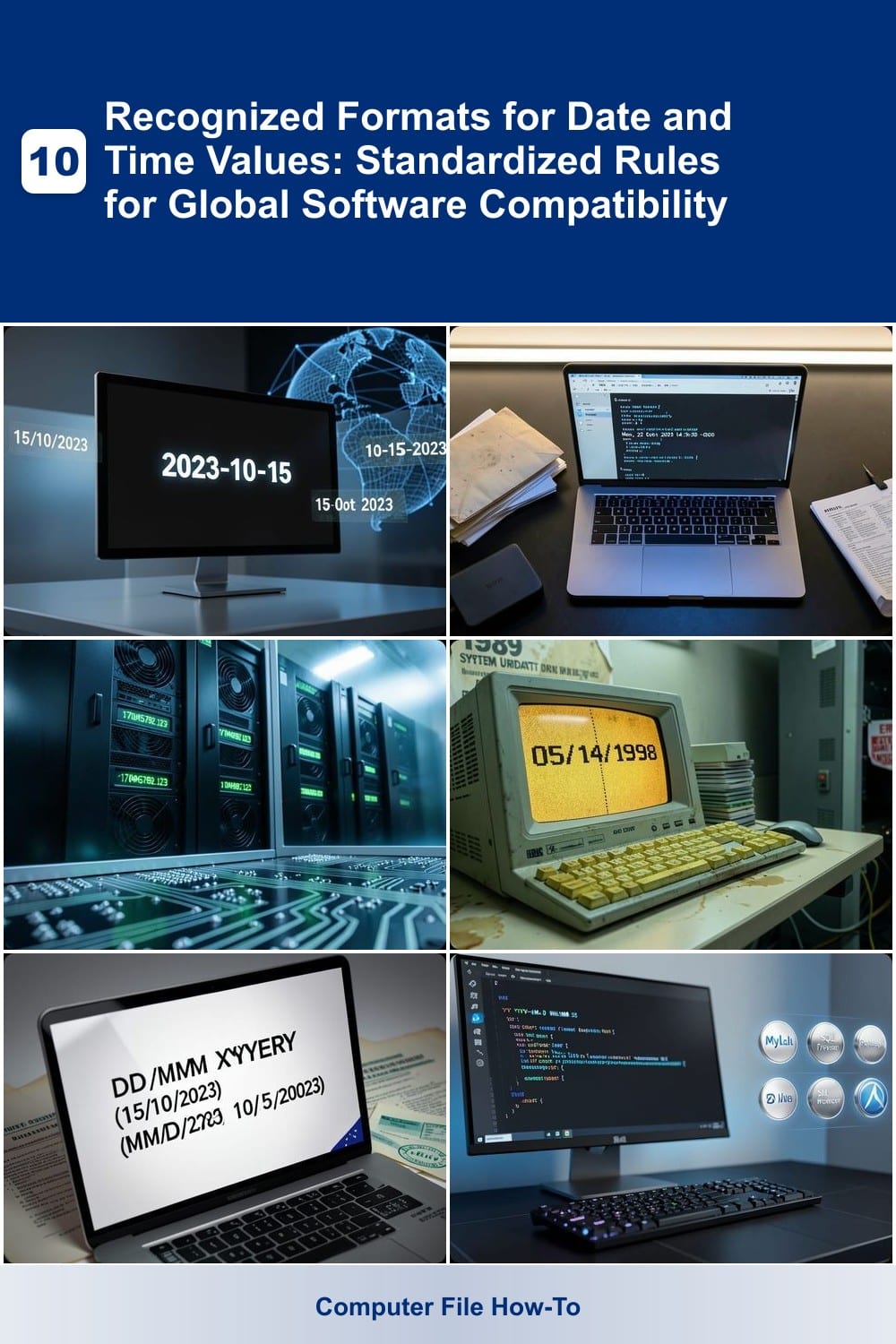
Developing software that works globally requires precise handling of date and time formats. These seven standardized formats ensure cross-platform compatibility, from databases to APIs, while accommodating regional…
Data breaches cost businesses billions annually—yet most security failures start internally. These 10 internal safeguards provide cybersecurity leaders with actionable, proven strategies to lock down company data before…
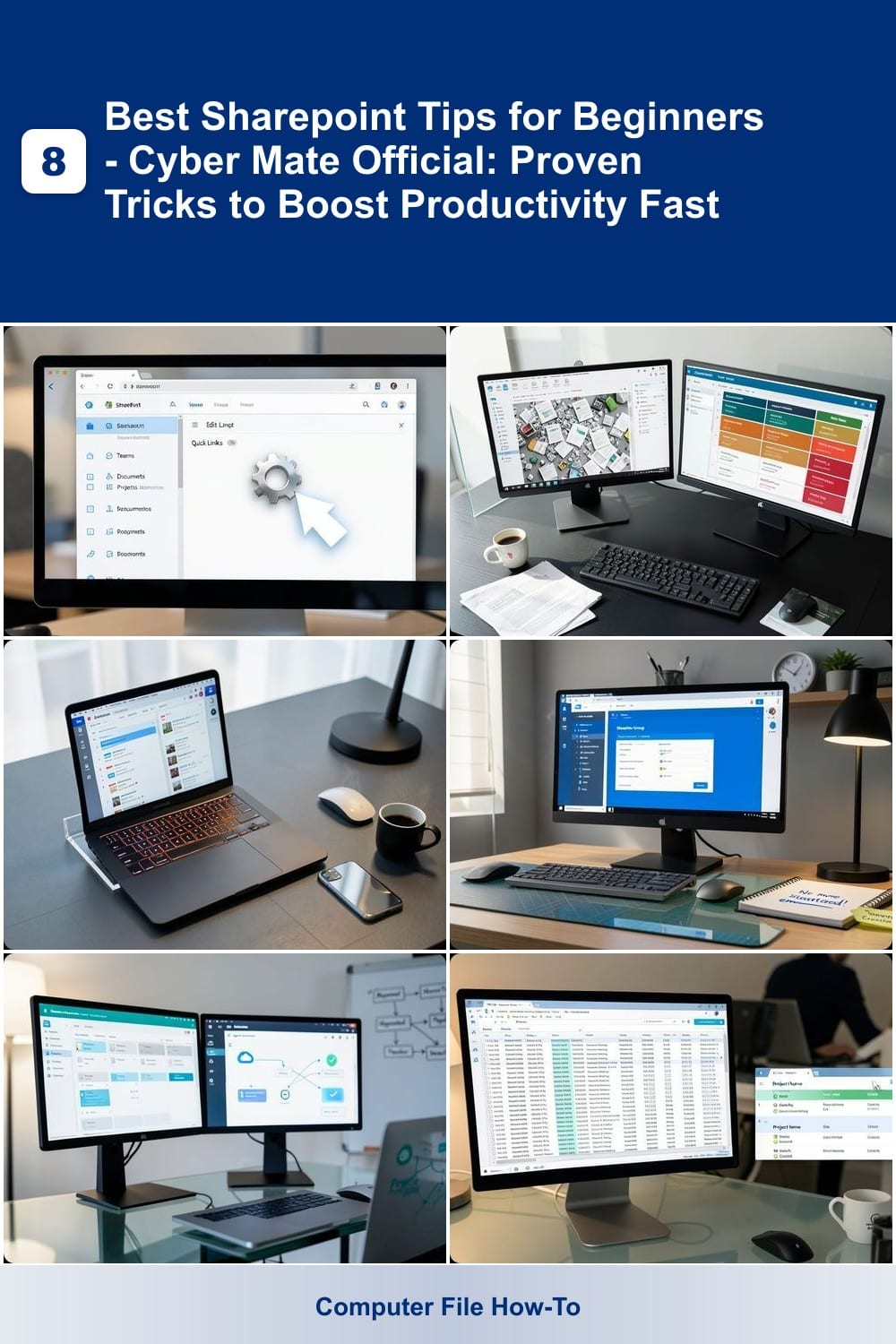
Struggling to unlock SharePoint’s full potential? These eight beginner-friendly tips will transform how you manage documents, collaborate, and automate workflows—without needing advanced technical skills. Perfect for new…
The Windows 7 desktop won’t load after a botched update, leaving me staring at a black screen with only the cursor visible—this exact scenario has haunted thousands of users since Windows 7's end-of-life, and the fix…
To show a clock on your desktop in Windows 10 without rebooting, I found a quick fix after the last update wiped mine away—no restart needed. The clock isn’t just a timekeeper; it’s a quick glance at notifications…
To open Word Online in your desktop app, you don’t need to install anything—just launch it directly from your browser. ✨ This trick saves space and keeps your documents synced across devices without cluttering your…
If you’re tired of squinting to find your desktop icons, here’s how to reduce space between them in Windows 10 —the fix is shockingly simple. ✨ A hidden setting in Windows 10’s icon view options lets you reclaim that…
Mastering the Windows 11 move app to another desktop trick used to require extra steps—until Microsoft made it as simple as dragging a window. ✨ I’ve spent years juggling multiple desktops for work and gaming, and this…
Make sure OneDrive is running on your PC—otherwise, that Windows update might have left it in limbo: no icon, no sync, just dead air. ⚡ I’ve debugged this exact scenario on half a dozen machines, and the fix is always…